Guidance from health bodies generally lands around an hour a day of high-quality content for children aged 2 to 5, ideally with an adult nearby. That number is a useful anchor, but on its own it says nothing about what those minutes contain.
Twenty minutes of an autoplay video feed and twenty minutes of tracing letters are not the same twenty minutes.
What separates good screen time from the rest
- It ends by itself: a defined activity with a finish, not an infinite feed.
- The child acts rather than watches — tracing, choosing, answering.
- It is repeatable without becoming compulsive: no streaks or loot loops aimed at children.
- An adult can join in and talk about it, which is what turns app time into learning.
- No ads, especially none that a preschooler cannot distinguish from the content.
Ending a session without a fight
- 1Warn before the end: "two more letters, then we stop" works better than a sudden finish.
- 2Use a timer the child can see or hear, so the limit comes from the rule rather than from you.
- 3End on a completed activity — stopping mid-task is what most tantrums are actually about.
- 4Have the next thing ready. The gap after the screen is where things fall apart.
- 5Keep it consistent. A limit that moves when they protest teaches protesting.

How Little Genius fits into a screen-time plan
- 1
Set the daily time limit
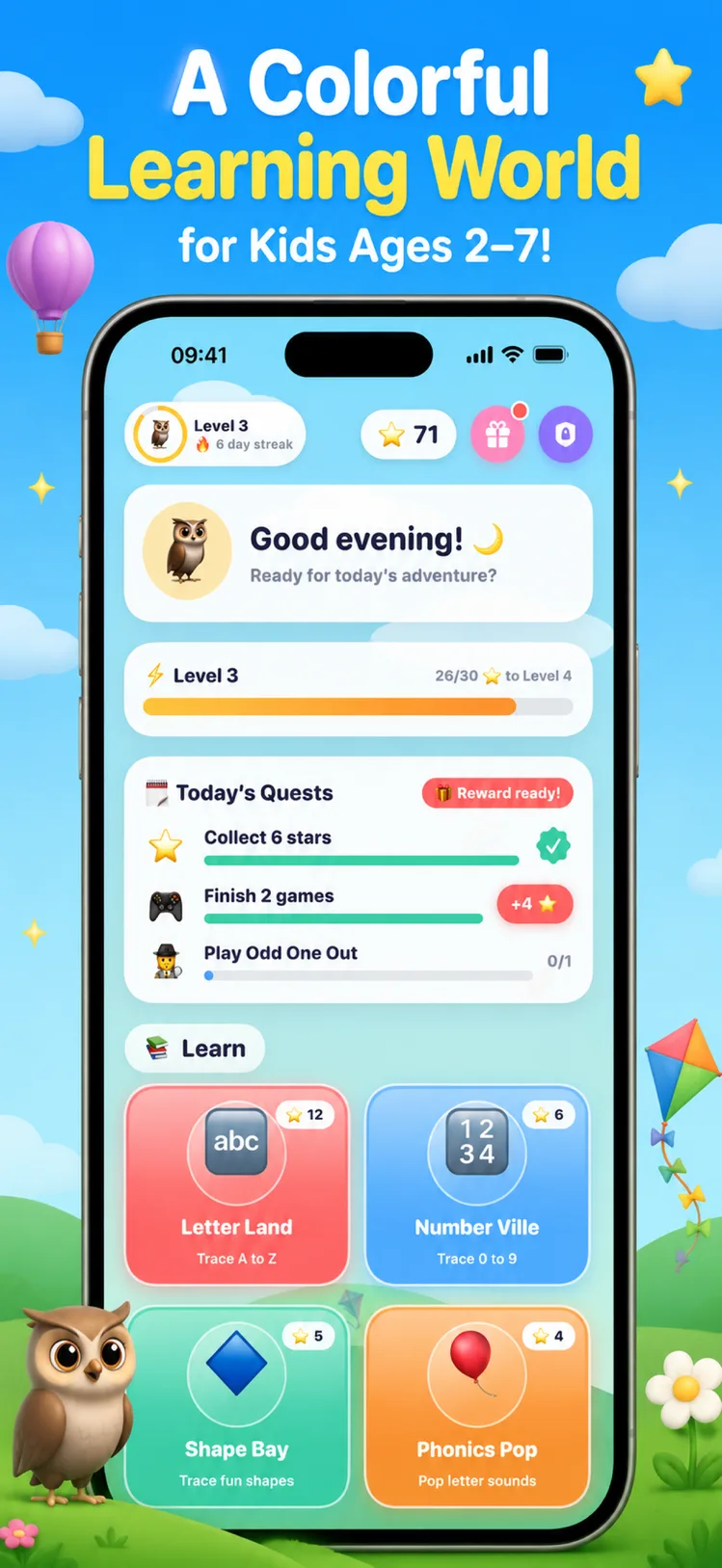
Little Genius has a parent-controlled daily limit, so the app enforces the rule you set.
- 2
Choose the activity together
Deciding "tracing today" before you start turns open-ended play into a session with a shape.
- 3
Sit alongside where you can
Naming letters and sounds out loud with your child does more than the app can alone.
- 4
Finish on a badge
Ending on a completed activity and a reward makes the stopping point feel like an achievement.

Free to download on iPhone & iPad
Frequently asked questions
How much screen time is right for a 4-year-old?
Common guidance is up to about an hour a day of high-quality content for ages 2 to 5, ideally shared with an adult. Content and how it ends matter as much as the total.
Does Little Genius have a time limit feature?
Yes — parents can set a daily time limit so sessions end without a negotiation.